 Homes
Homes
 Projects I done did
 2026/02/22
Jellyfin Part 2
2026/02/22
Jellyfin Part 2
I made a TON of progress since writing Jellyfin Part 1. For one, I went ahead and paid for the static IP. With it, I’m able to define port forwarding rules using my router! And it just works, no funny business.
Next, I set up my server. I chose to go with Debian, and for this system I tried to keep the system as simple as possible. I didn’t install anything more than the bare operating system, and even disabled recommended installs in apt to keep it minimal. I learned a lot getting the system working under these constraints!

For this system, I decided to run everything using Docker Compose. That way I can conveniently document and encapsulate my services, check their configuration into git, and spin things up and down easily without polluting the larger system. Networking is also extra convenient with them!
I ended up setting up Jellyfin, of course, but also a Wireguard server so I can VPN back into my local network to reconfigure my router remotely. I also used Caddy to reverse proxy all the services to the domain that all of this is exposed on, which took some experimentation for the different methods of defining base paths in each of the different services… But it wasn’t bad at all.
Finally, I set up Deluge, connected to a VPN via Gluetun for torrenting. Set up that way, the Deluge container is only ever able to access the internet through Gluetun, so kill-switch behavior is built in. If gluetun or the VPN ever stop working, Deluge will simply not have a way to access the internet. It works well, although I might switch to a different torrent client eventually (just because deluge has been a little buggy for me, although it might be operator error haha).
Before this, I had never torrented before!! I had internalized myths about how dangerous and scary it is, but especially when you’re only dealing in media, it’s really pretty safe. and also easy! I totally could have been doing it the whole time, without this whole project… But I’m glad I learned this way. I’m very anxious of a person so it feels really good to have it all set up in such a safe way. Torrenting is a wonderful, beautiful thing! Peer-to-peer filesharing is so cool!!
2026/02/11
Jellyfin Part 1
I was recently made aware of this cool thing called Jellyfin! The idea is, it’s a streaming platform designed around each user/family/etc hosting their own media server, which is super awesome!
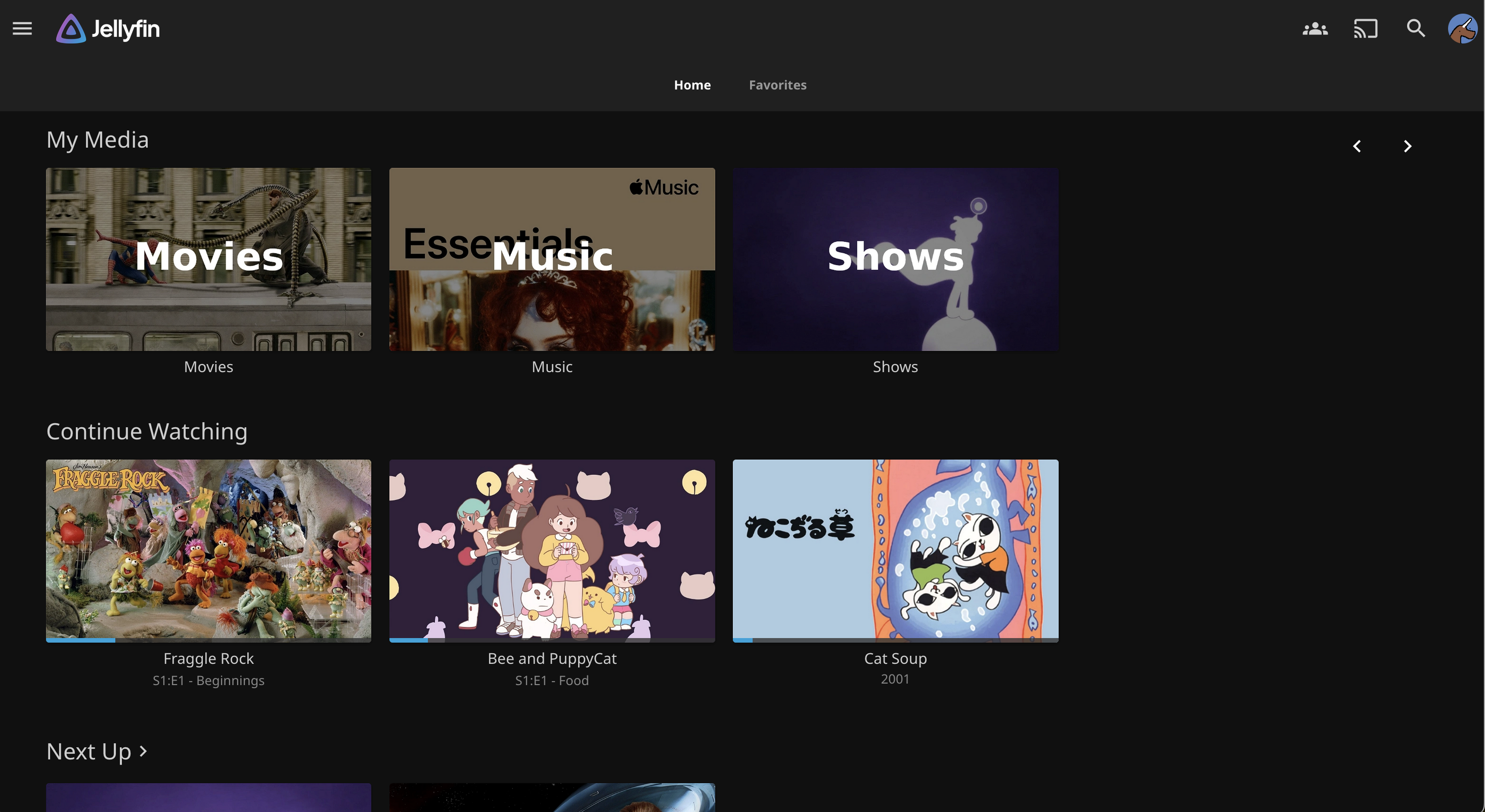
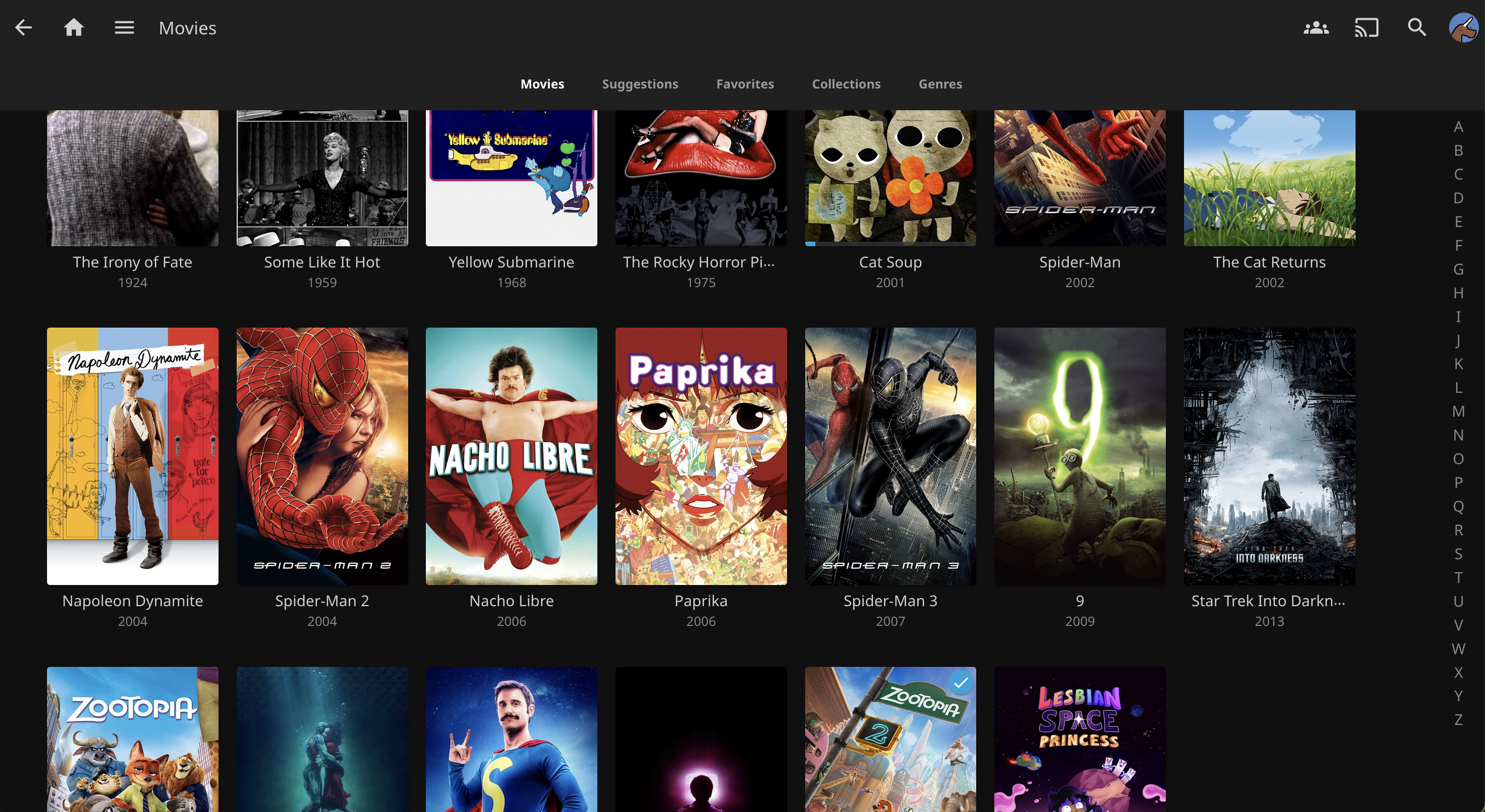
It’s even available to be installed on linux machines directly from the package manager. Great!
Networking though?
I wanted to expose my instance to the larger internet, so I could let friends use it too!
It started out well and I was able to set up Dynamic DNS on one of my domains easily (because no static IPs for me). This made it possible to ping the machine using its public domain!
But… no other services I tried to talk to would reach the machine. I dug around a while trying to figure out what was happening, slowly exhausting the possible causes:
But I finally found my answer while searching online. Apparently my ISP uses CGNAT, and offers no way to set port forwarding rules at that level. So what I was trying to do was impossible, at least “the simple way”.
2026/02/02
What Pokemon Are You
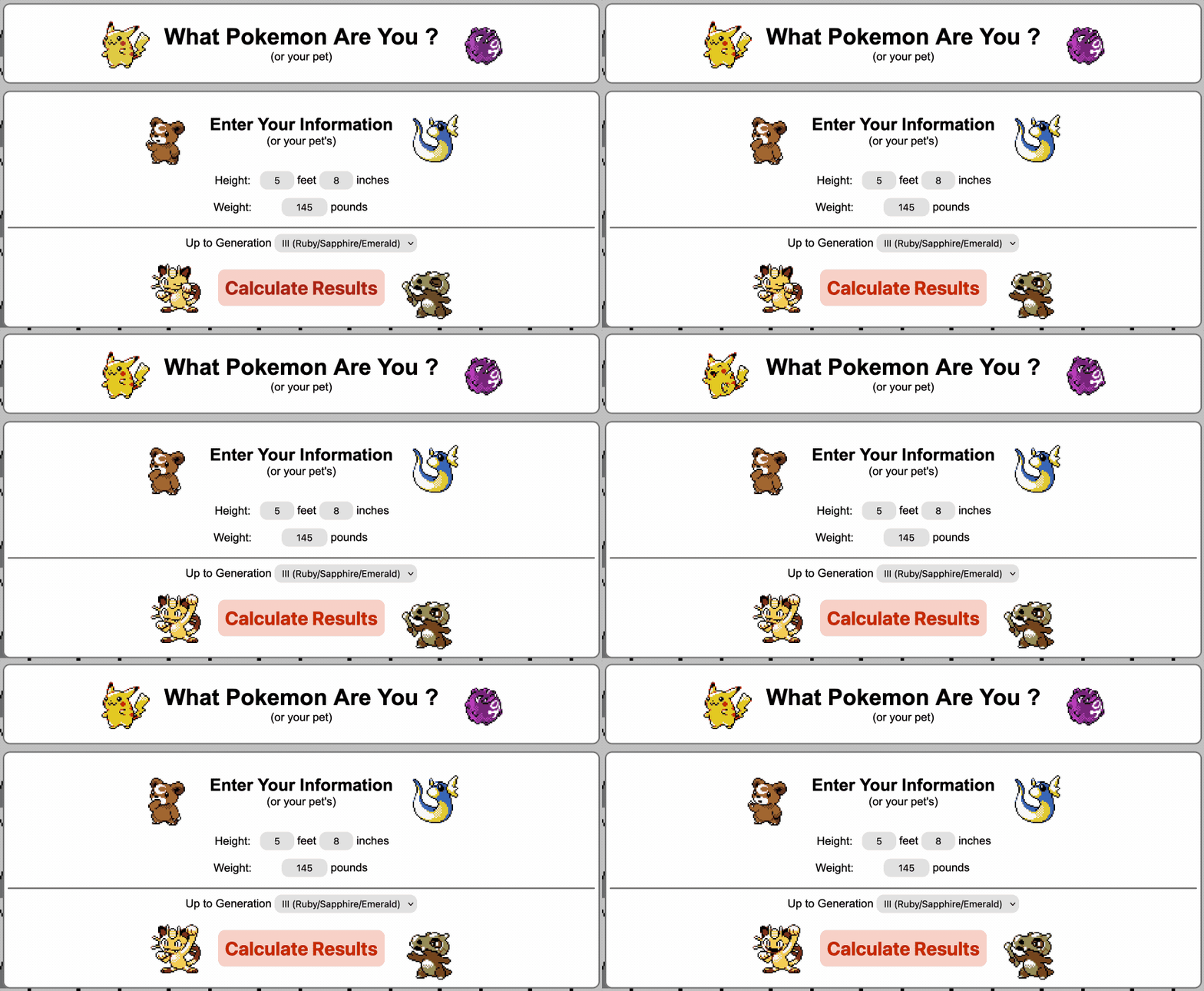

Website that tells you What Pokemon You Are based on your height and weight! I actually made this a long time ago, but only published it now.
2025/10/15
3D Printed Hexagonal Rush Hour
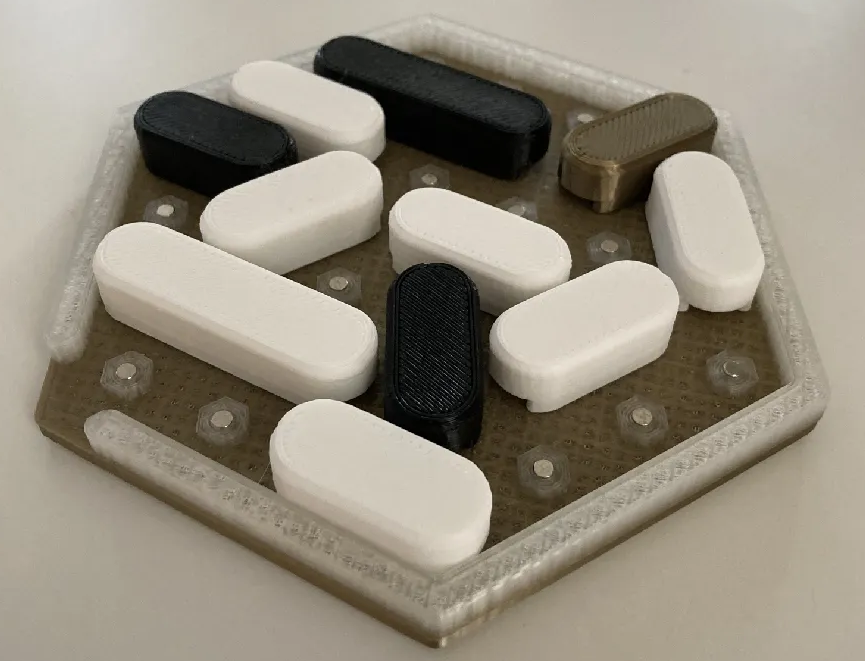
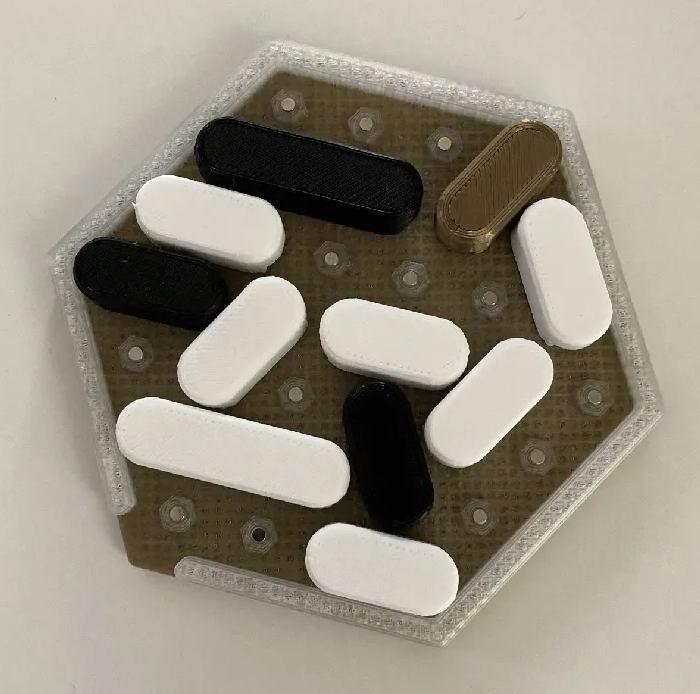
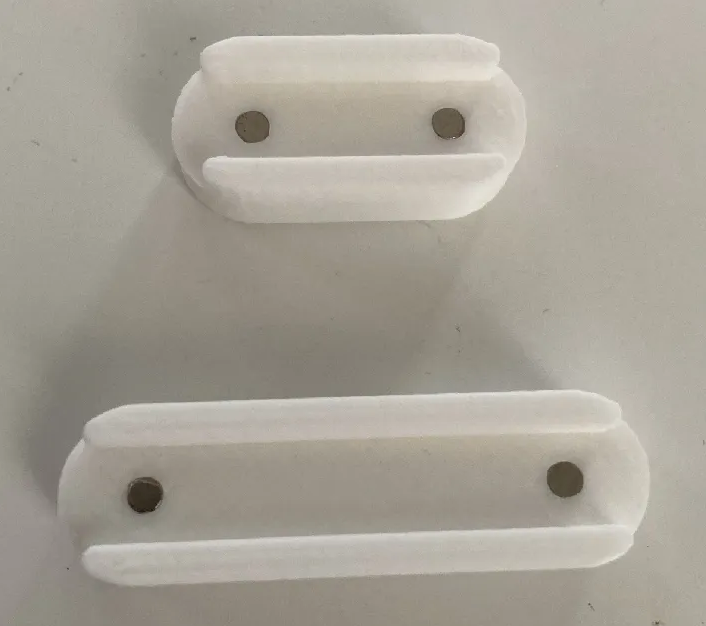
Web version: Hexagonal Rush Hour (web)
I designed this all using FreeCAD <3
2025/05/01
Stardew PNG
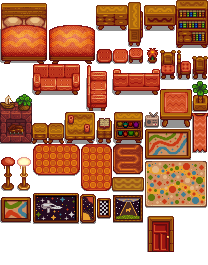
A queriable repository of stardew valley assets.
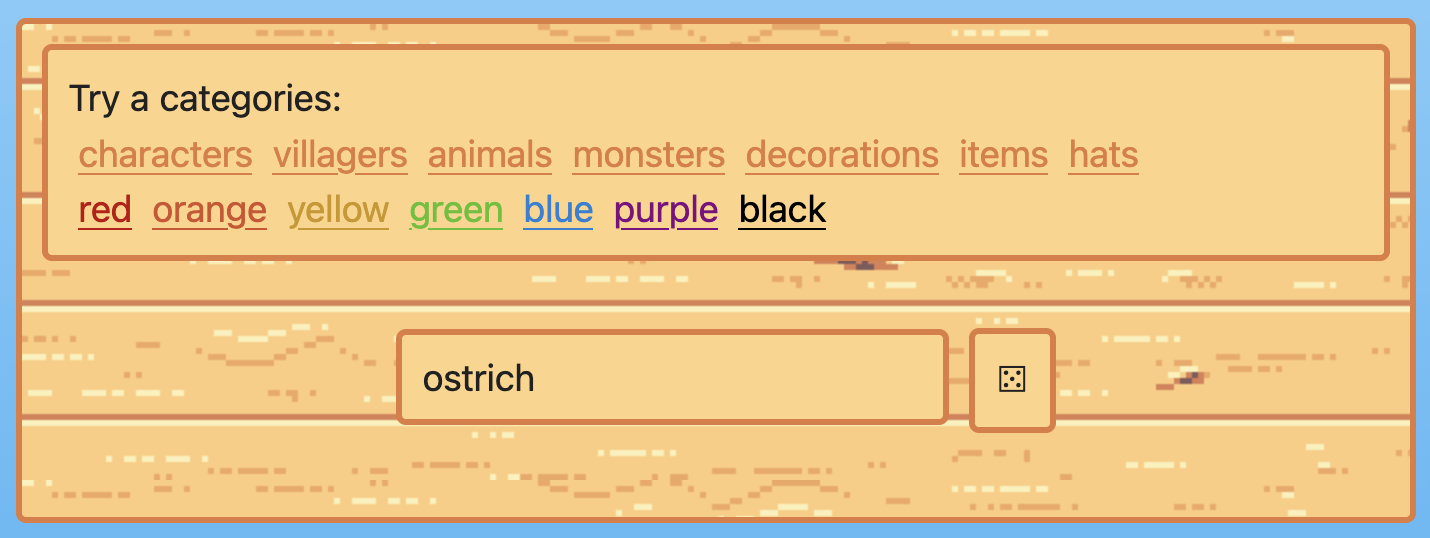
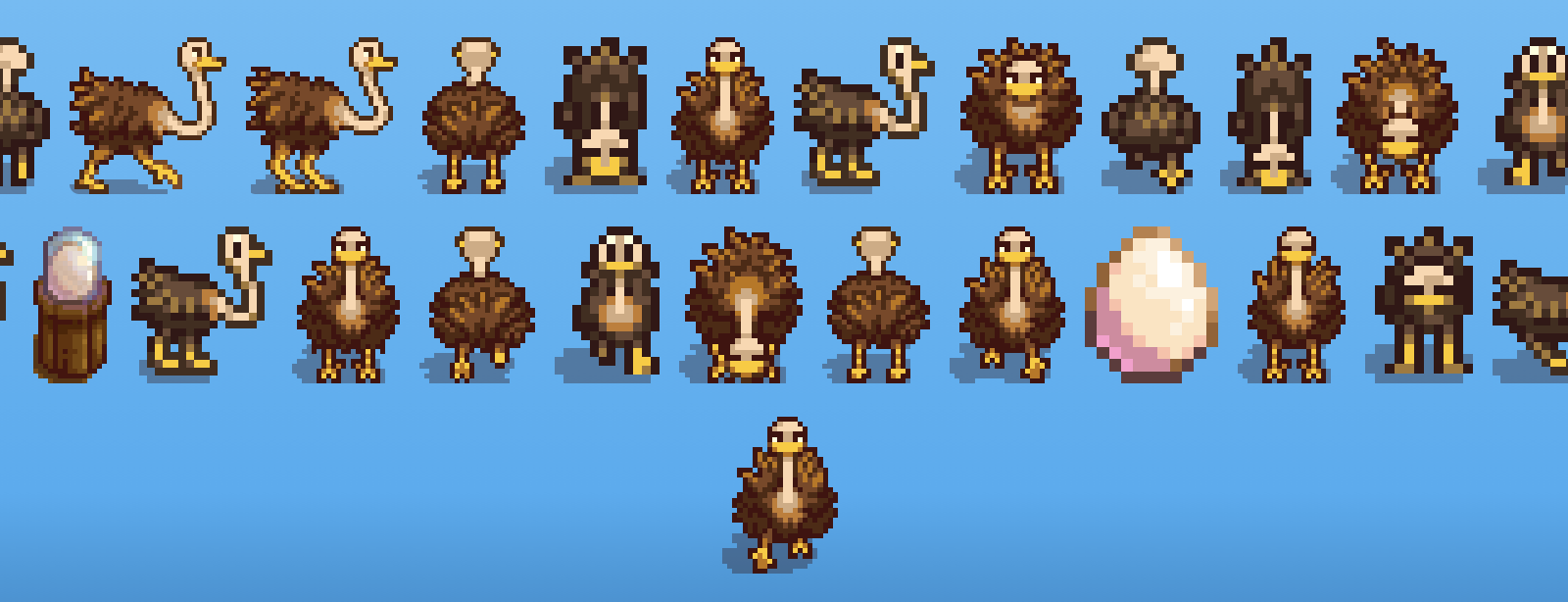
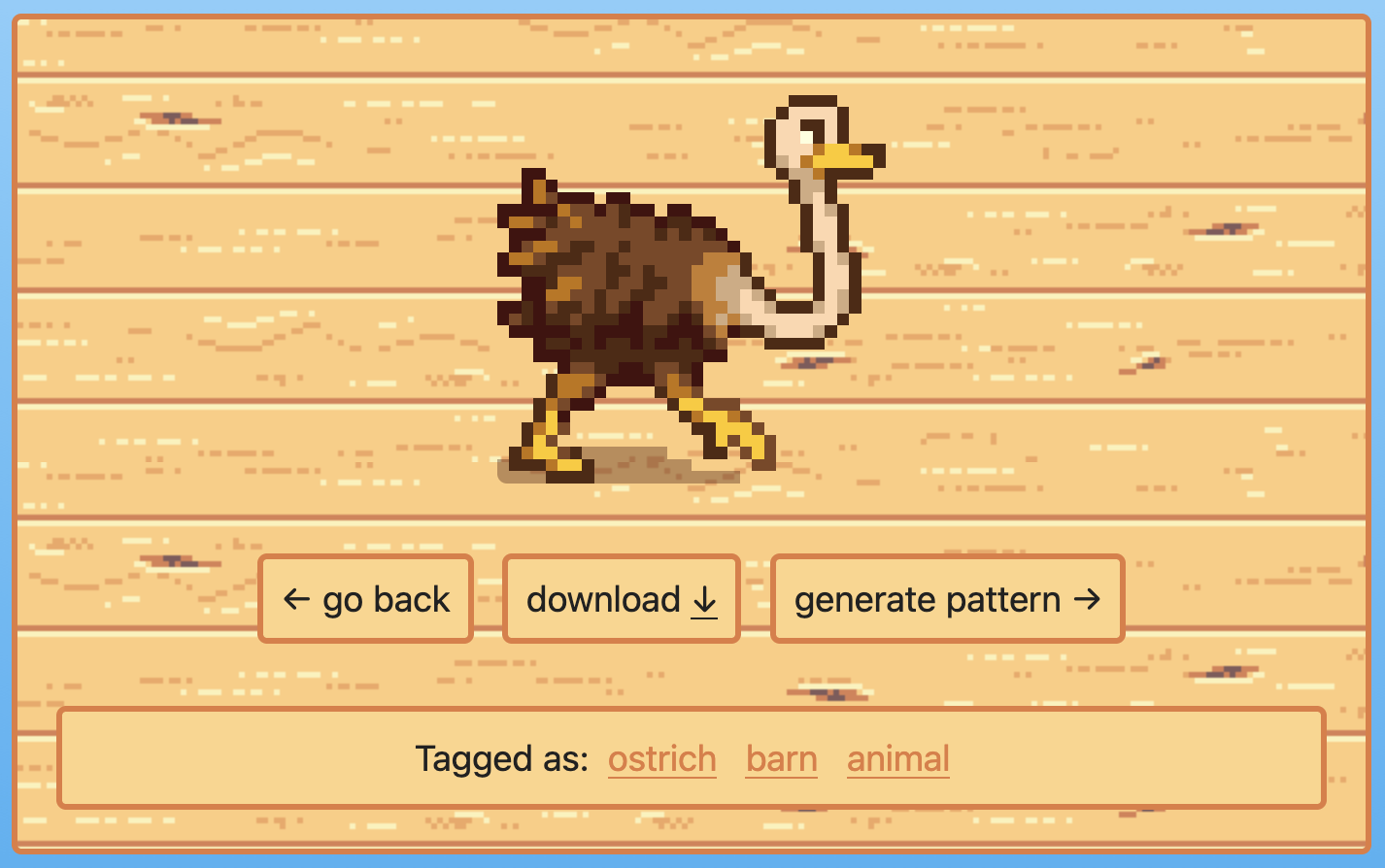
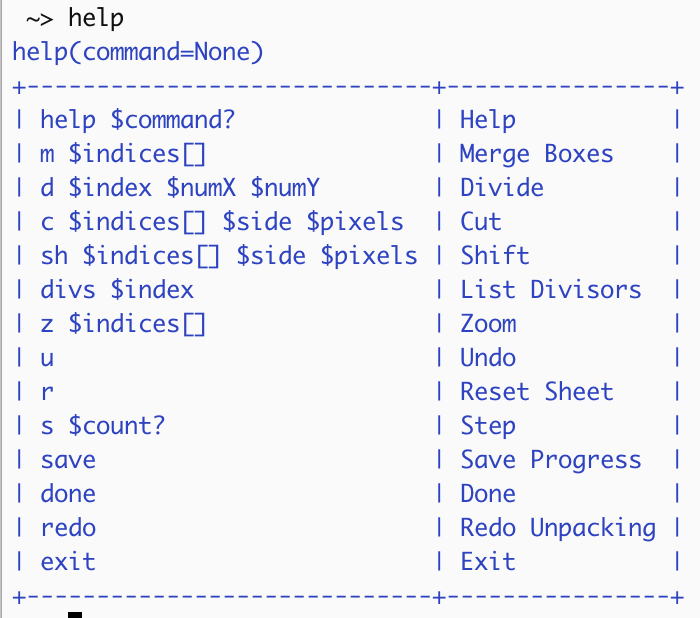
I went the long way around to create this, by splitting up the raw sprite sheets myself:


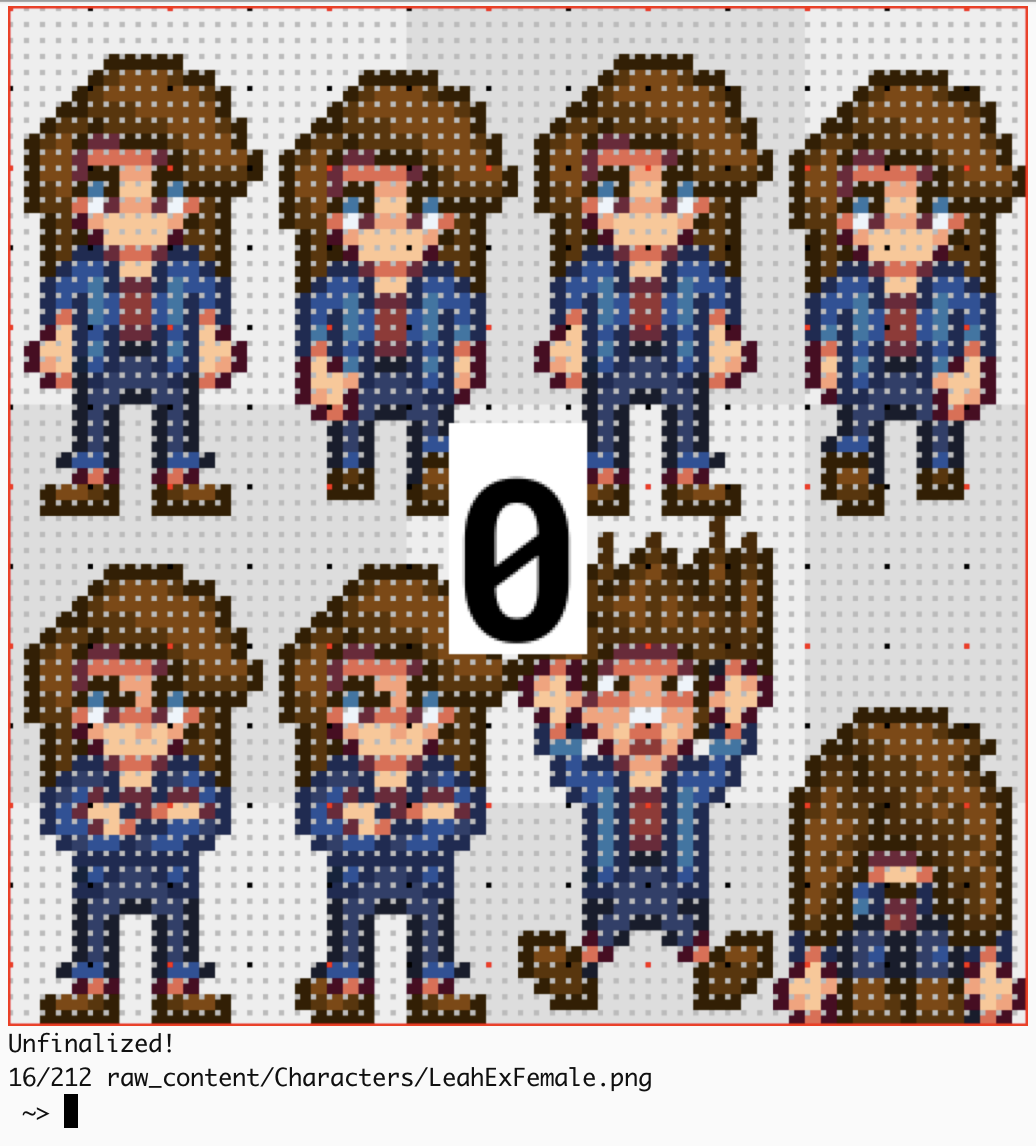
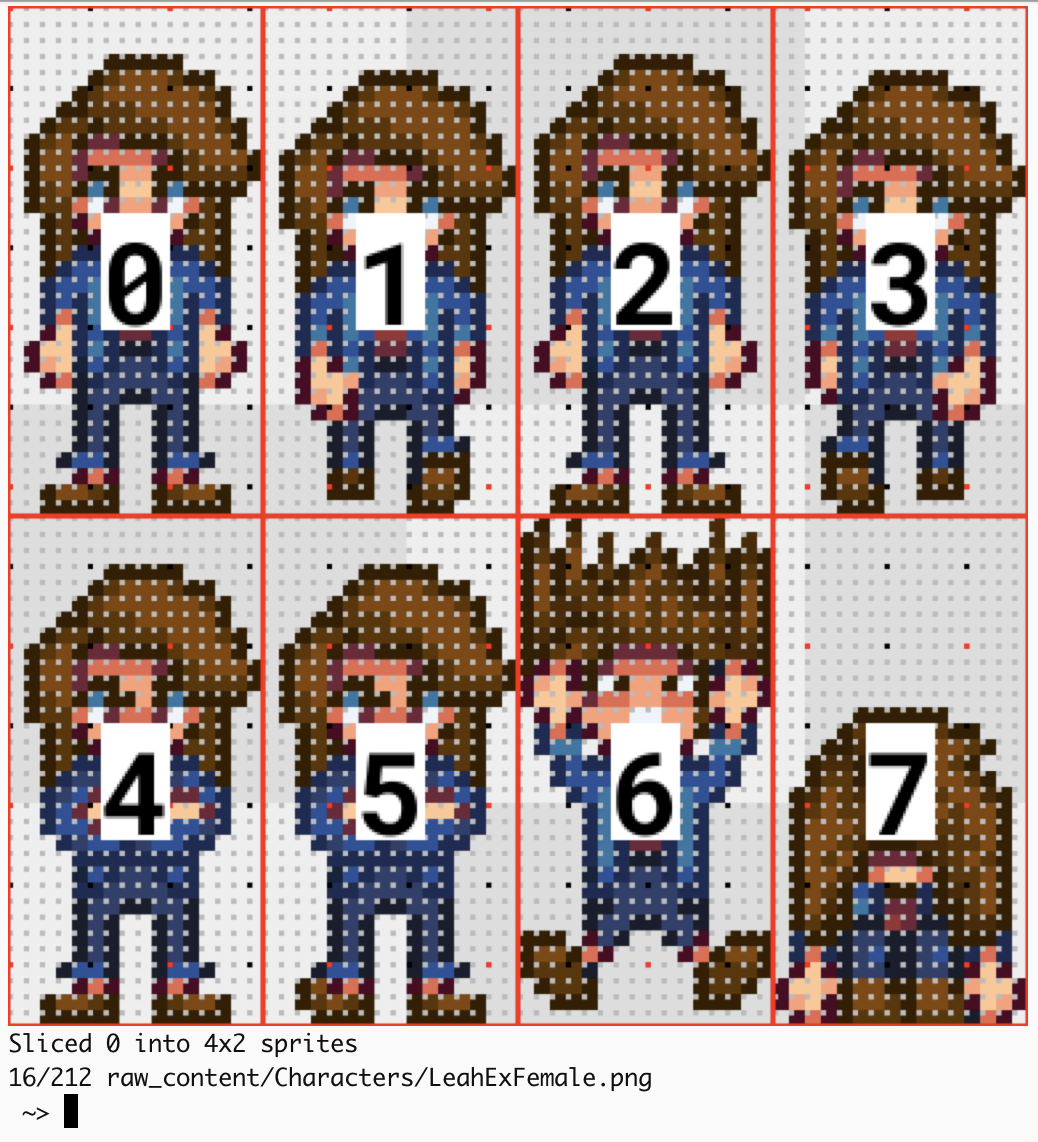
Using a python-based command line tool to chop them up and then tag the resultant sprites.
2025/04/01
Pokemon PNG
Mostly just for use with my cross-stitch pattern generator
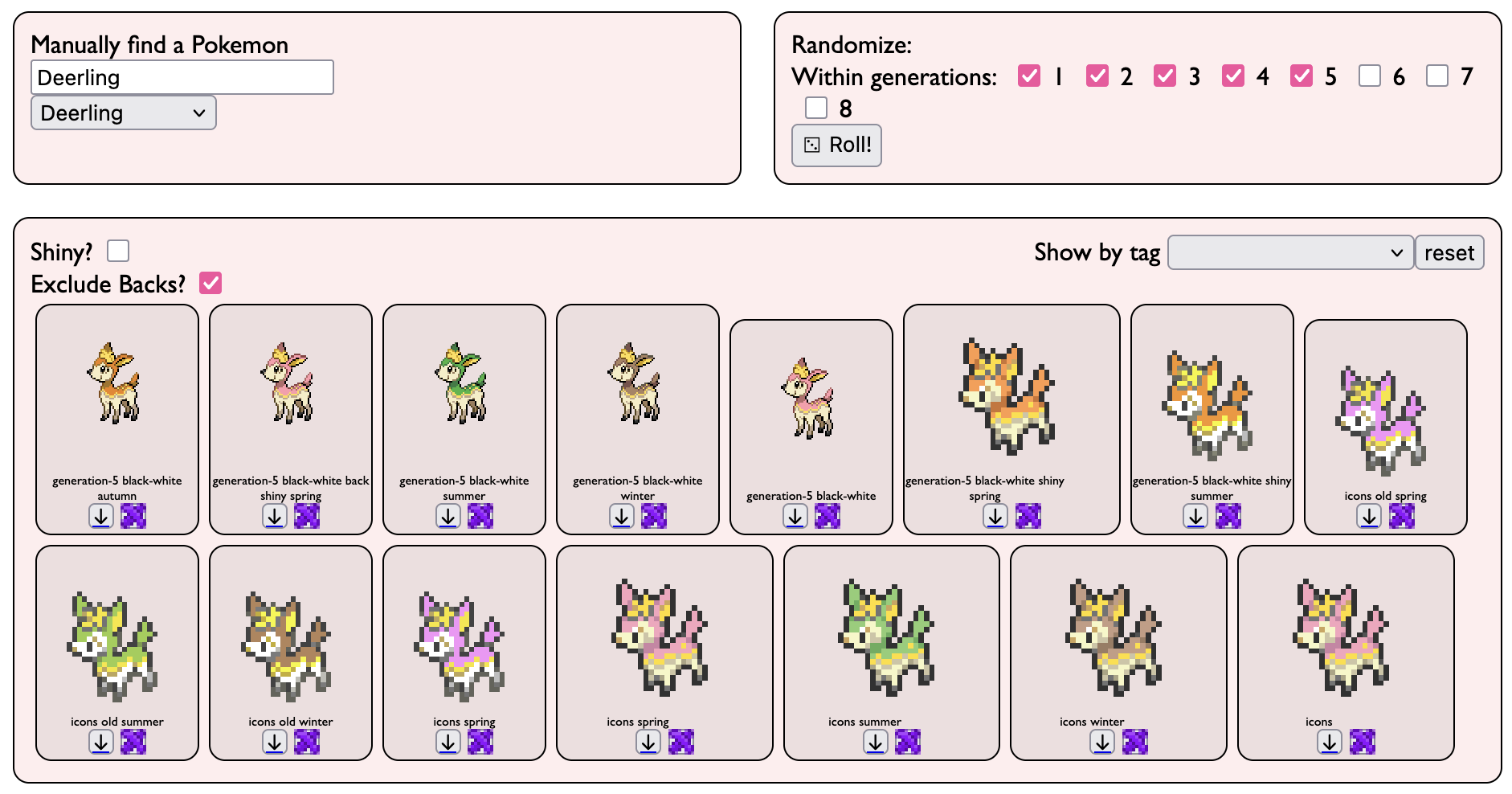
Extra double thanks to eevee for doing the real work of ripping the sprites!
2025/04/01
Pattern Generator
Website that makes cross-stitch patterns.
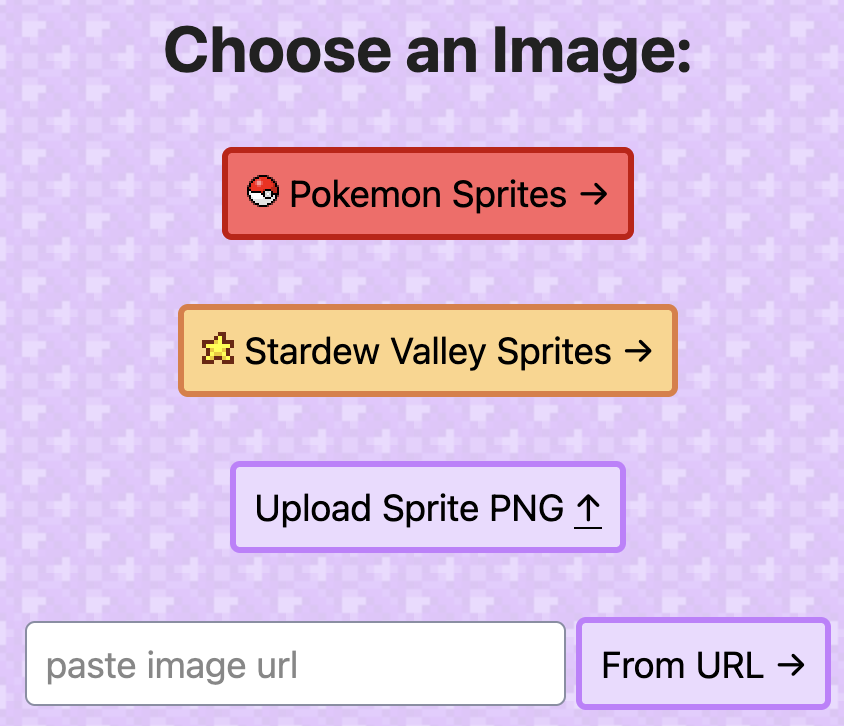
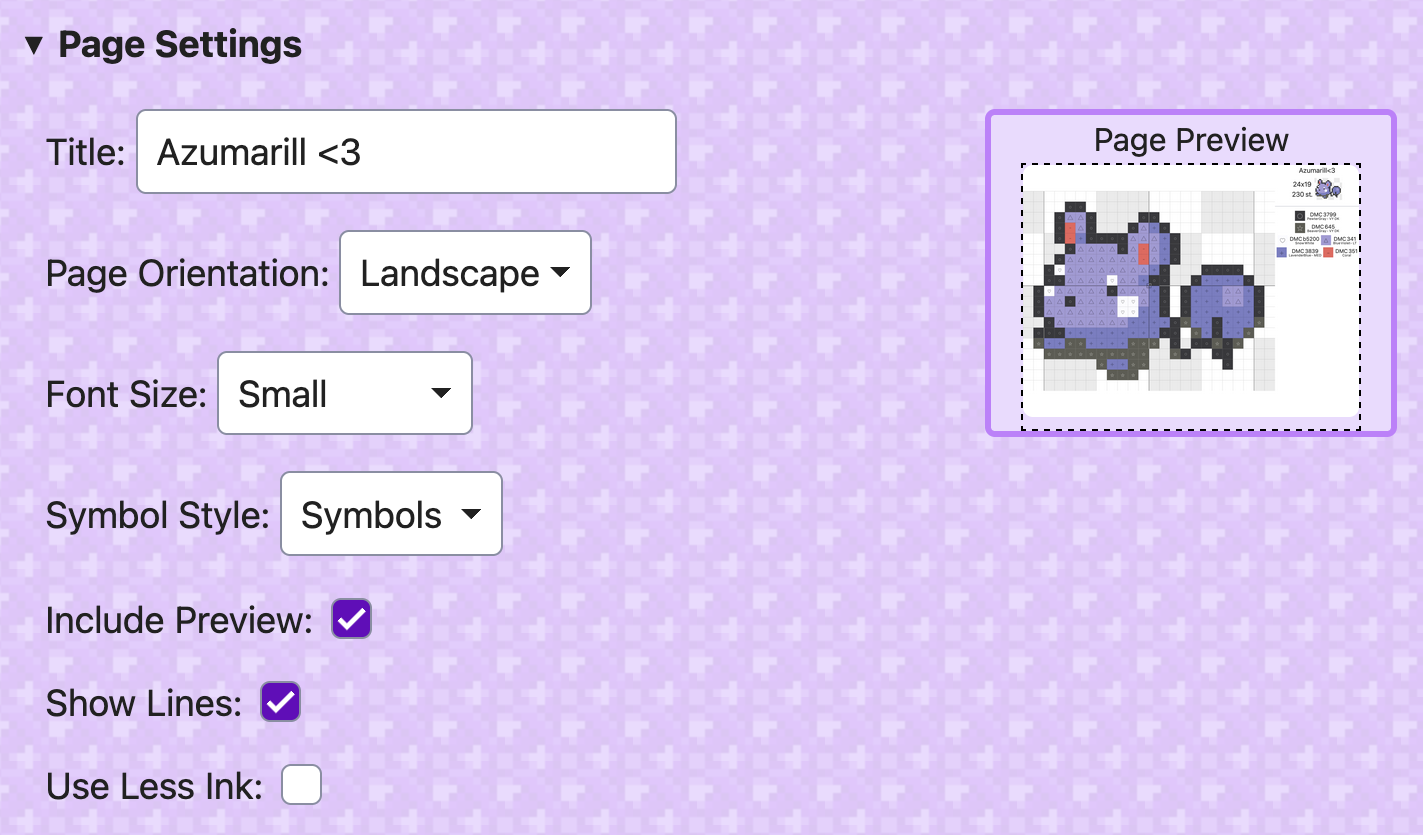
Also made sister projects Stardew Png or Pokemon Png
Nanner got a ton of use out of this, which makes me super happy <3
 wpau.waeaves.com
 printables
 Jekyll
 RSS feed