 Home
Home
 03-02-2026
 Fishcam
I recently set up a livestream of my girlfriend’s fish tank on a little rpi 2W with a cheap usb webcam! I kept it super simple.
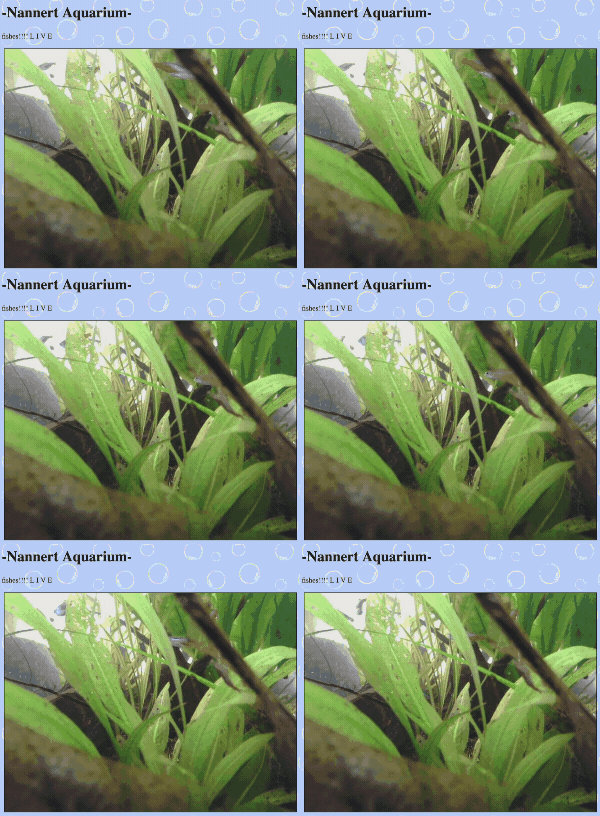


First, set up a rpi headless like usual. Then, install motion via sudo apt-get install motion. I like to add the option --no-install-recommends too, just to keep the clutter to a minimum. Next you’ll want to update the motion service’s configuration that got generated at /etc/motion/motion.conf to match your use case. I changed the following variables:
| variable | value | purpose/reason |
|---|---|---|
| framerate | 60 | so that the stream shows motion fluidly |
| text_left | ’’ | to remove the text at the bottom |
| text_right | ’’ | ”” |
| movie_output | off | to prevent motion from saving recorded video files |
| webcontrol_port | ??? | I recommend setting a random port for this, mostly out of superstition |
| stream_port | ??? | same here, although this one will be public anyway* |
| webcontrol_localhost | on | hide admin panel |
| stream_localhost | off | allow remote access to the stream! which is the whole point of all of this |
| stream_maxrate | 100 | allow the full-fps video to be streamed. this one is not included in the default config file! But without it you’ll be stuck with a ~1fps stream. |
Once the config is set up, you then want to enable the service using sudo systemctl enable motion and start it using sudo systemctl start motion. Once you’ve done this, the service should be running. Congrats! (maybe)
You can verify that it’s working by running curl localhost:<stream port> on the rpi, which should output html if everything’s working. You can also use a device on the same network to access http://<the rpi's local IP>:<stream port>, which will display the stream. Note that this may not work on a wifi network that restricts communication between connected devices.
From there, it’s just a matter of dealing with the networking side of things to expose the stream to the larger internet. But that’s outside of the scope of this post!
Powered by
 Jekyll